How to use FixMyPhotos
From blurry to beautiful in five steps
A quick guide to the app, a finder that tells you which tool fixes your photo, and a page for every tool with real examples from each version.
Step by step
How the app works
Every tool follows the same flow. Learn it once and you can use them all.
-
1
Pick a tool
Open the app. The home screen lists every tool with a before and after preview. Tap the one that matches your problem. Not sure which one? Tap the info icon on a card for a short explanation.
- Tools are grouped into enhance, restore, and edit & fun.
-
2
Choose your photo
Select a picture from your gallery. Allow photo access the first time the app asks.
- Use the original file rather than a screenshot. More pixels give better results.
- For old prints, scan them or photograph them flat, in daylight, without glare.
-
3
Choose a version and options
Most tools offer more than one version. Free versions are marked Free and Premium ones carry a crown. Some tools show extra options, like the brush in Object Remover, the sliders in Fix mouth and eyes, or the portrait settings in Revive.
- Not happy with the result? Run the same photo again with another version.
-
4
Let the AI work
Your photo is uploaded securely and processed on our servers. Most results are ready within a few seconds to a minute. Free users may see a short ad while they wait.
- Keep the app open until the result appears.
-
5
Compare, save and share
Drag the slider to see the before and after. Save the result to your gallery in full quality, or share it straight to WhatsApp, Instagram and more.
- Your photos are deleted from our servers after processing.
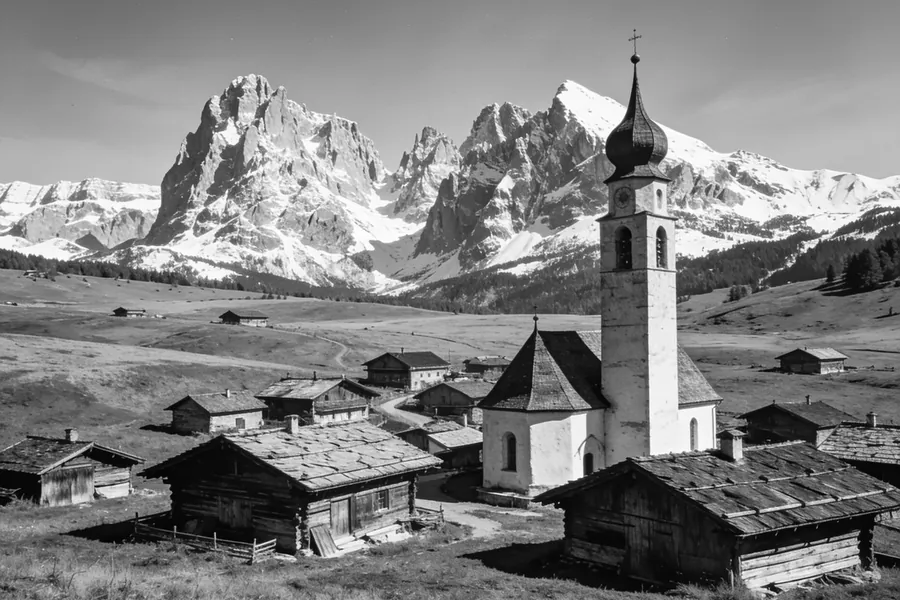
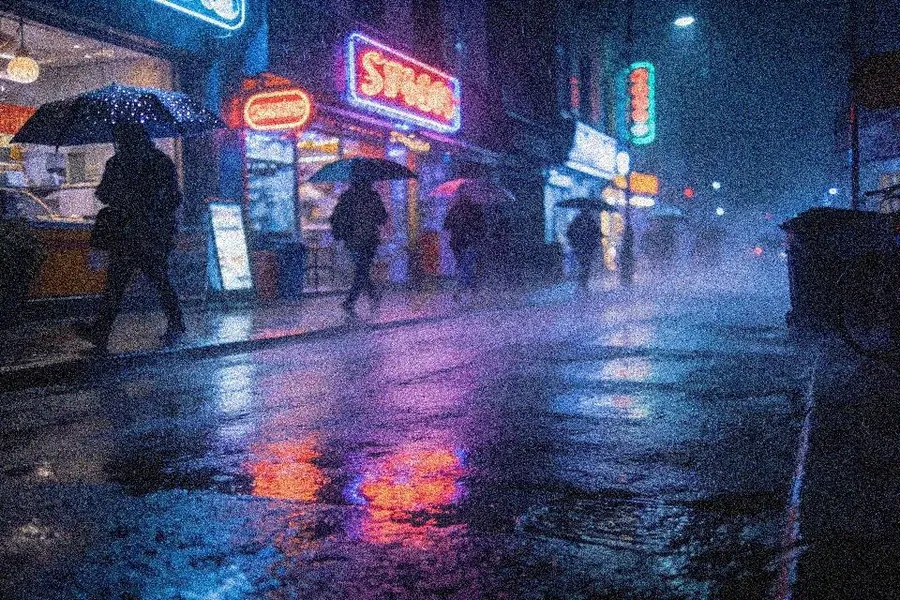
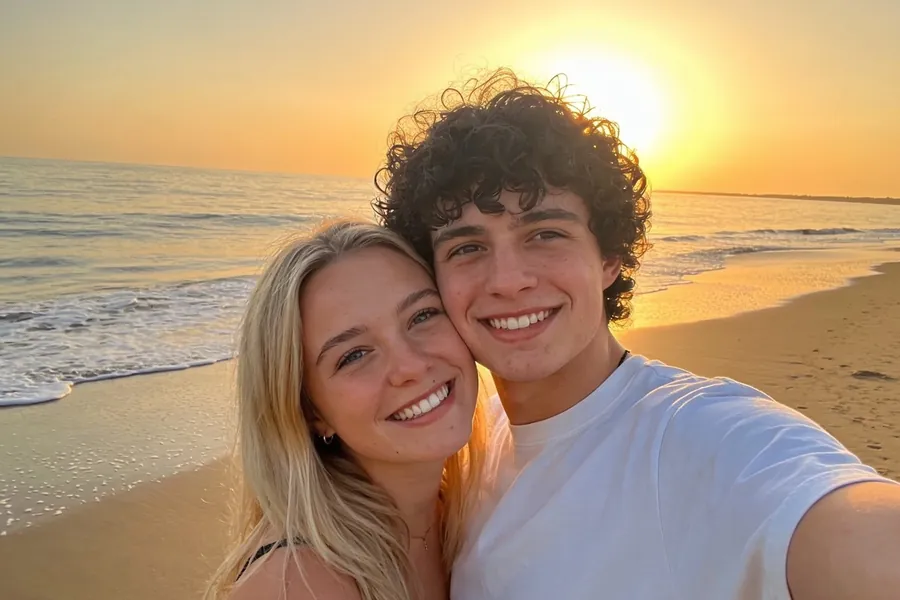
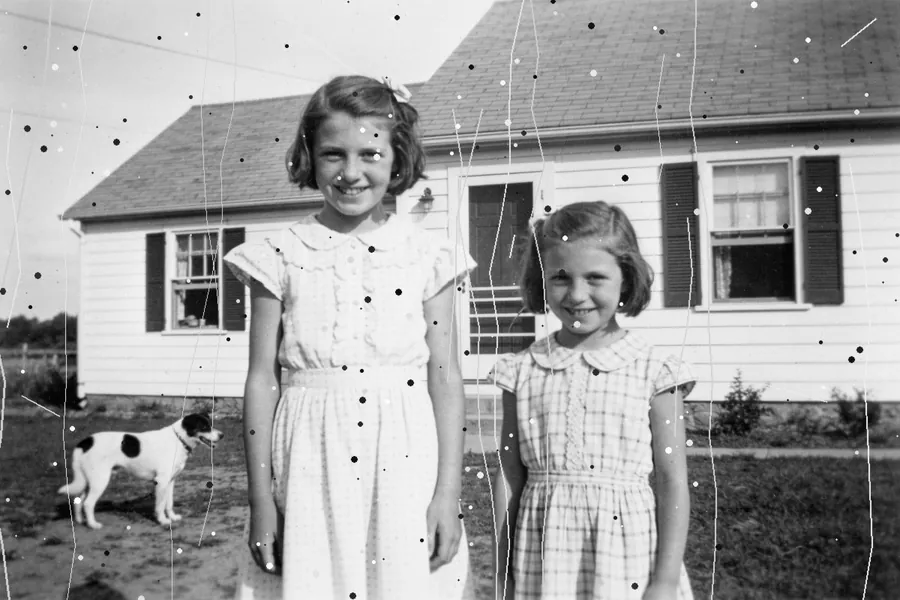
Tool finder
What's wrong with your photo?
Pick the problem and we'll show you the tool that fixes it.
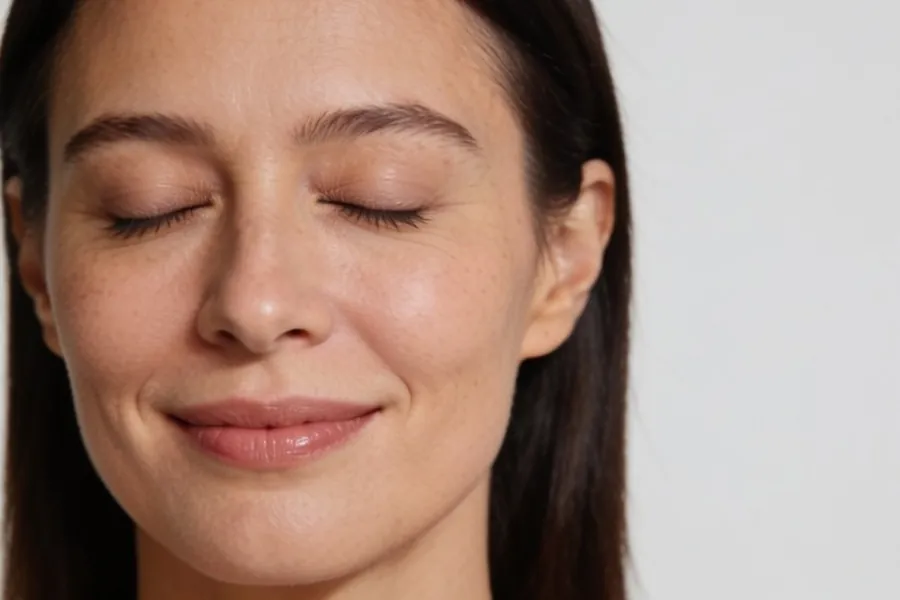
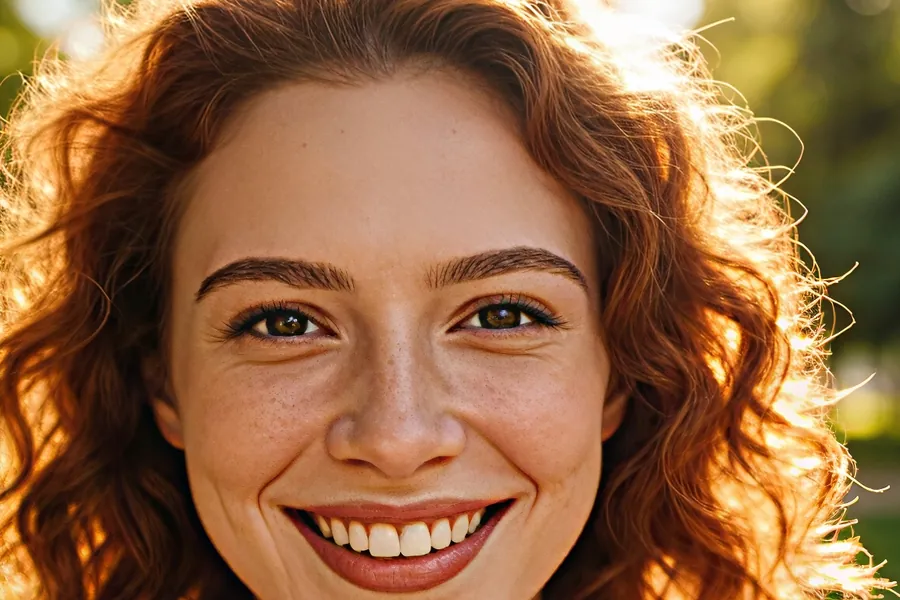 My photo is blurryfaces look soft → Beautify
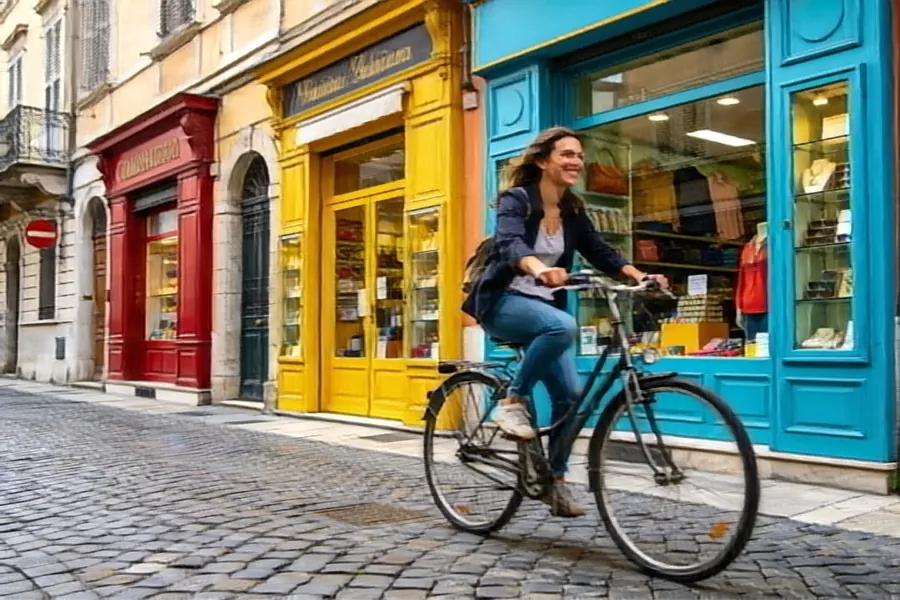 The whole picture shookcamera or subject moved → Deblur
 It's too small to printmake it 4K or 8K → Upscale
 It's grainy or spottynoise from dark scenes → Denoise
 It's too darkunderexposed → Light Enhancer
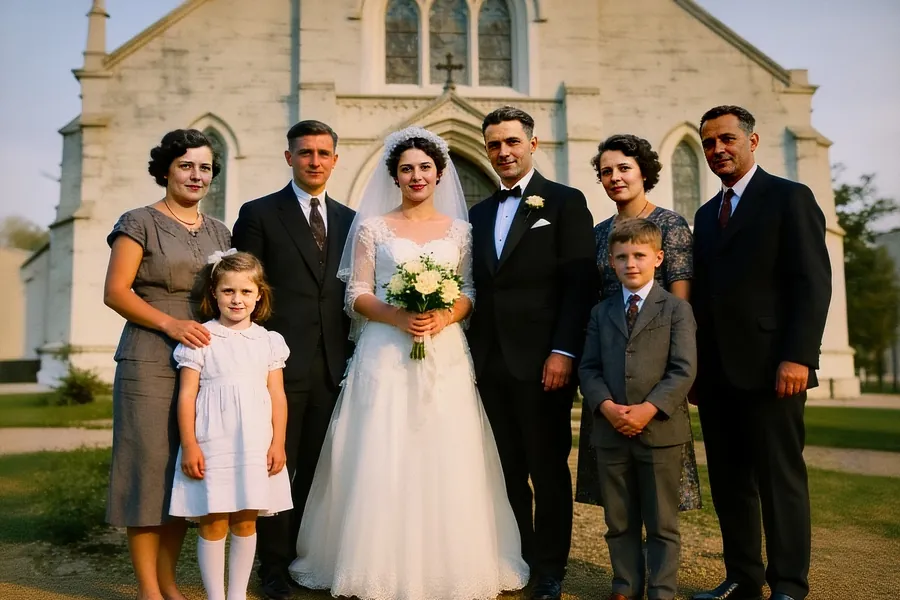 It's an old, faded printfull restoration → Revive
 It has scratches or dustscanned print damage → Remove scratches
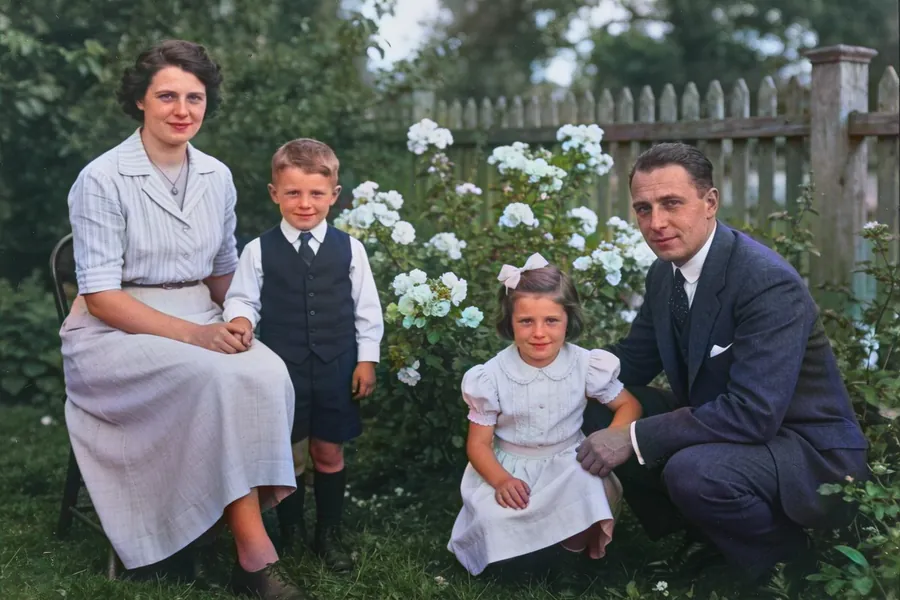 It's black & whiteadd colour → Colorize
 I need a transparent backgroundcut out the subject → Background remover
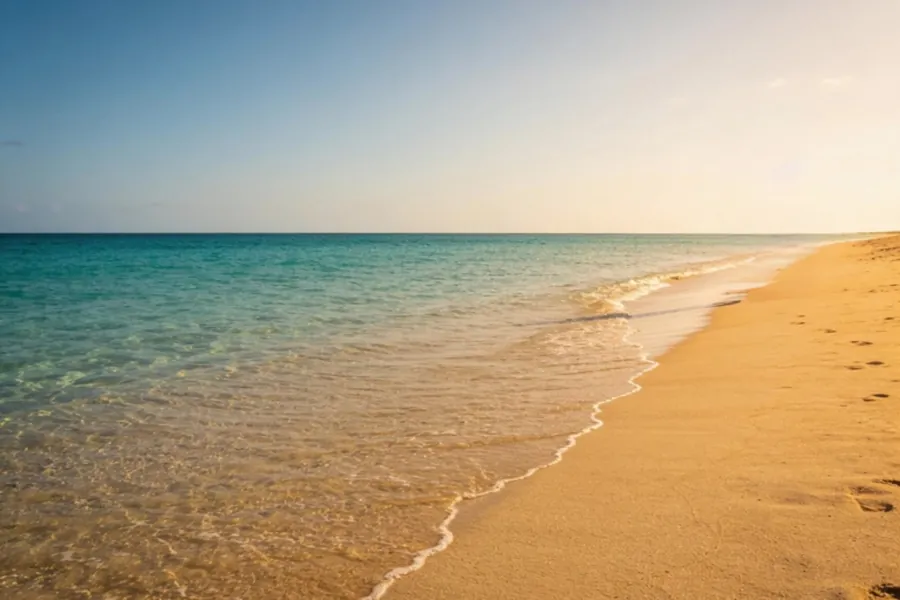 Someone walked into my shoterase people or things → Object Remover
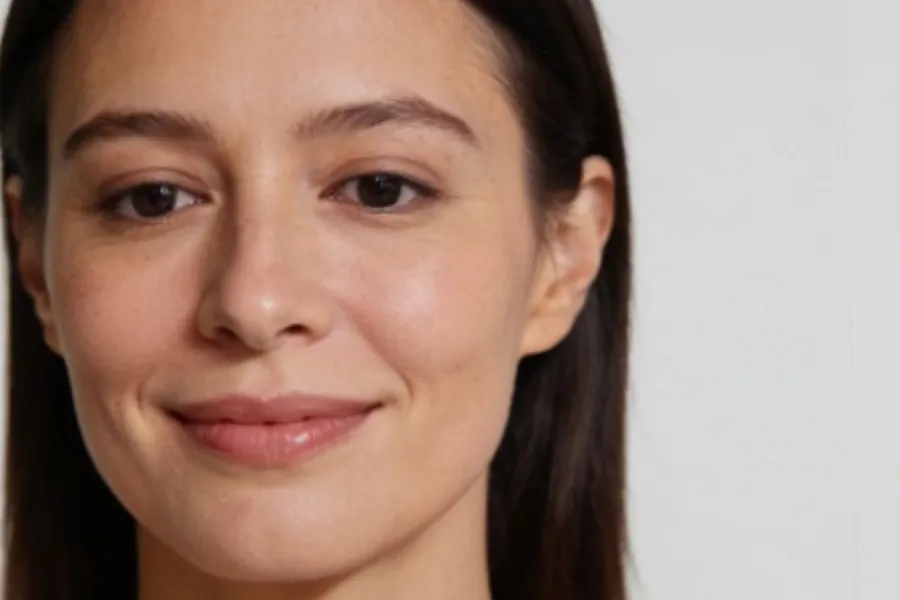 Someone blinkedopen eyes, fix smiles → Fix mouth and eyes
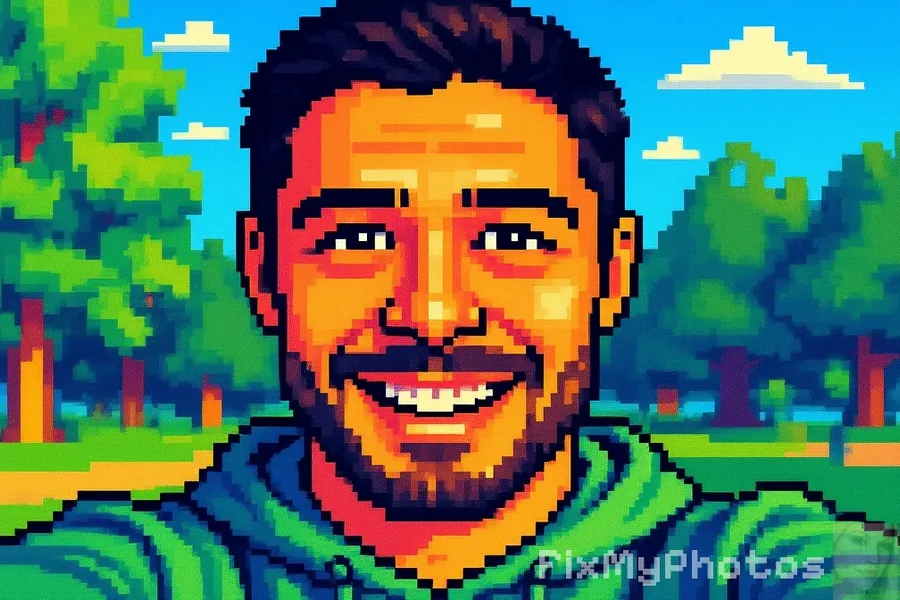 I want a fun avatar10 cartoon styles → Cartoon
All tools
12 tools, 38 versions
Open a tool to see what each version does, with three real examples.
Enhance & sharpen
Beautify
Fix blurry, low-quality faces in one tap
Upscale New
Upscale photos to 4K and 8K
Deblur
Remove motion blur and camera shake

Denoise
Remove noise, grain and dots
Light Enhancer
Brighten dark and underexposed photos
Restore old photos
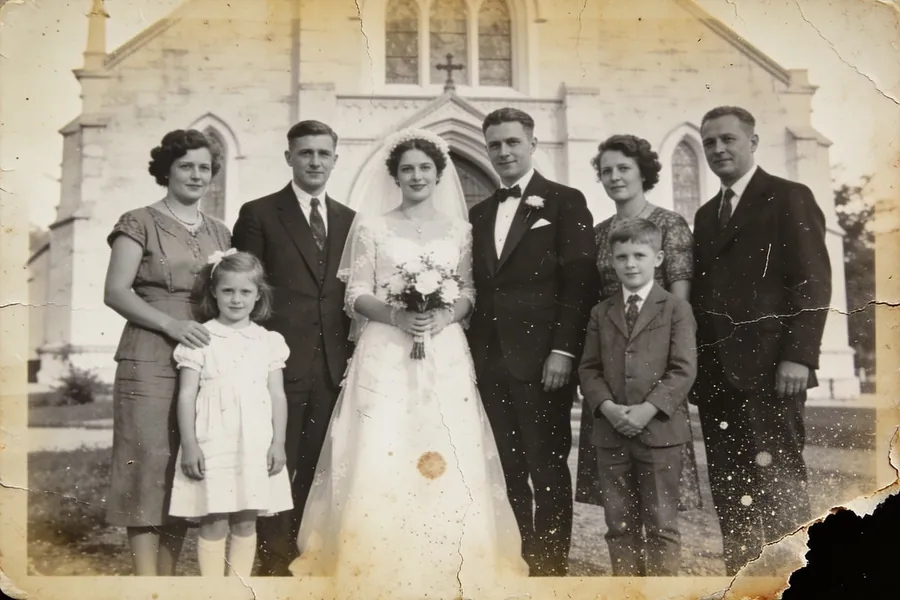
Revive New
Bring old photos back to life
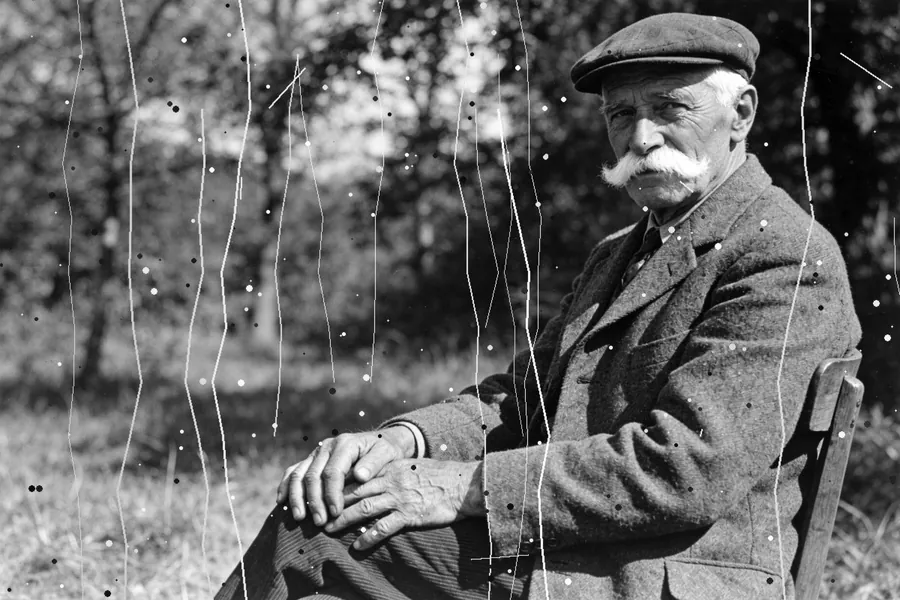
Remove scratches
Remove scratches and dust from old photos
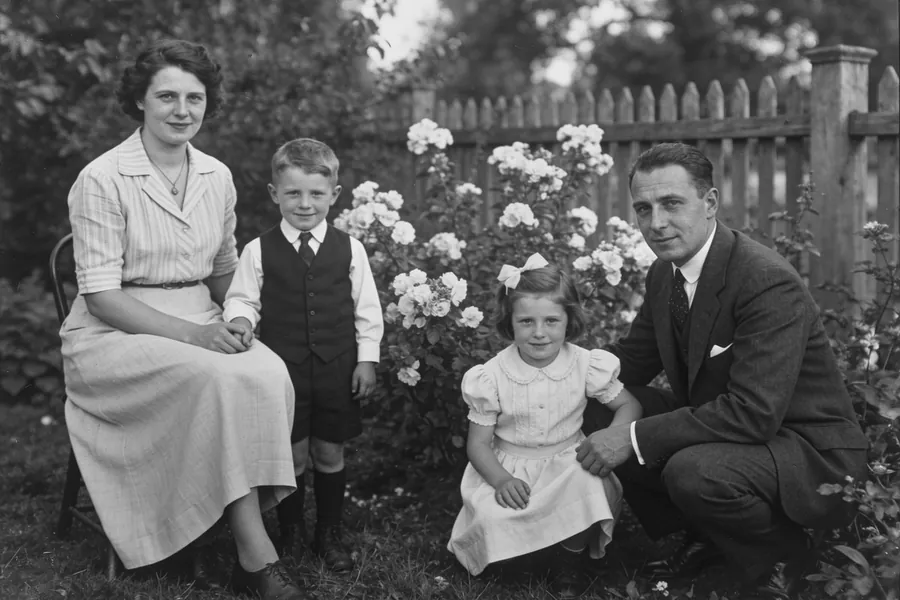
Colorize
Bring colour back to black & white photos
Edit & have fun

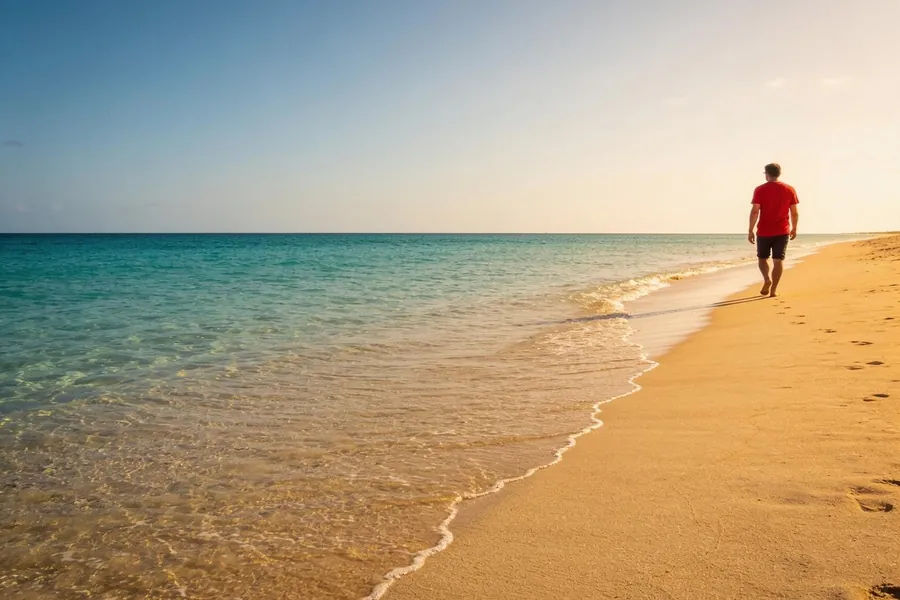
Free and Premium
What you get for free
Free
- 6 free fixes every day
- At least one free version in most tools
- Save and share in full quality
♛ Premium
- Unlimited fixes
- Every version, including Ultra and Revive
- No ads and priority processing
Ready to fix your photos?
Free on Android and iPhone, in 22 languages.