Standard Free
Balanced brightening that keeps the mood of the scene.
Best for: dim indoor photos and dusk
Light Enhancer
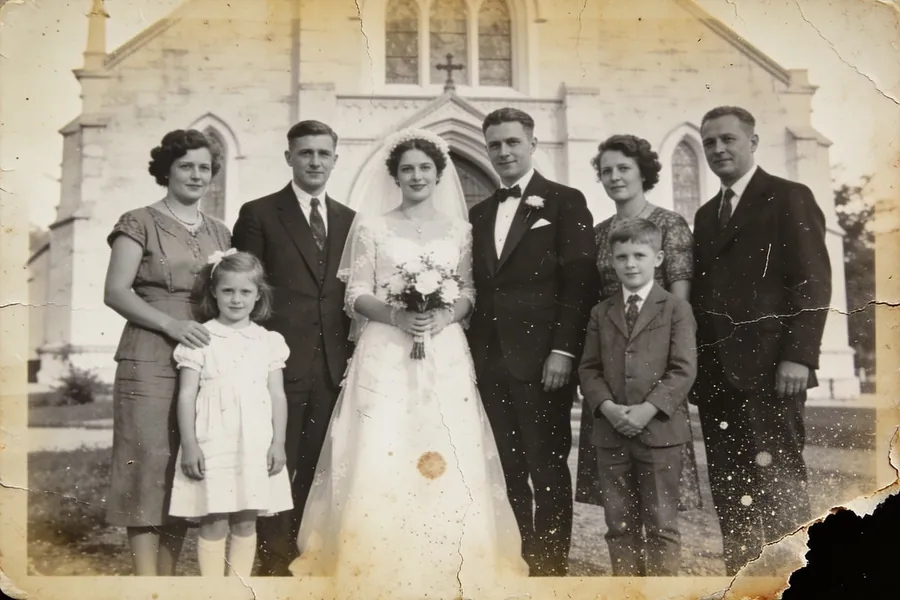
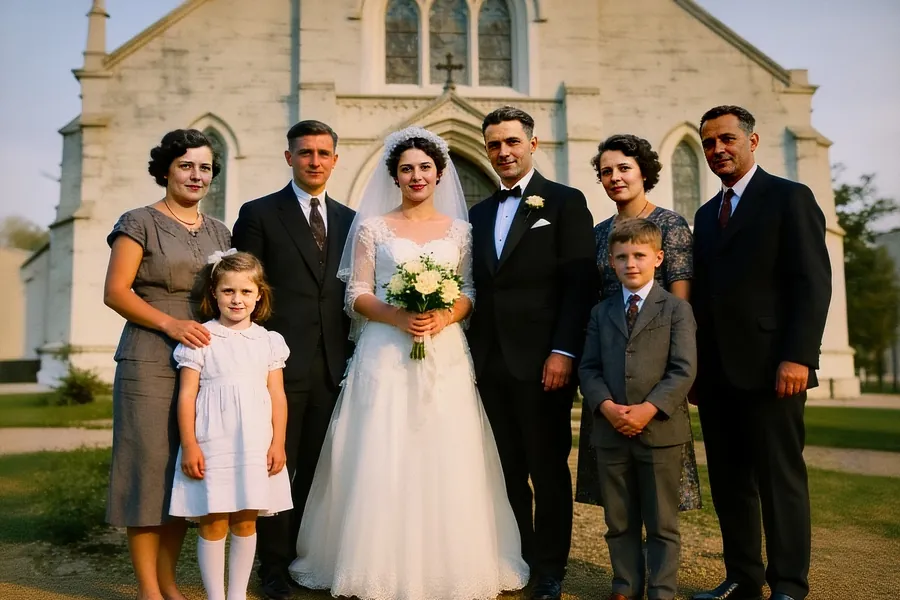
Light Enhancer brightens dark photos, lifting the shadows without blowing out the highlights, so details you could barely see come back.
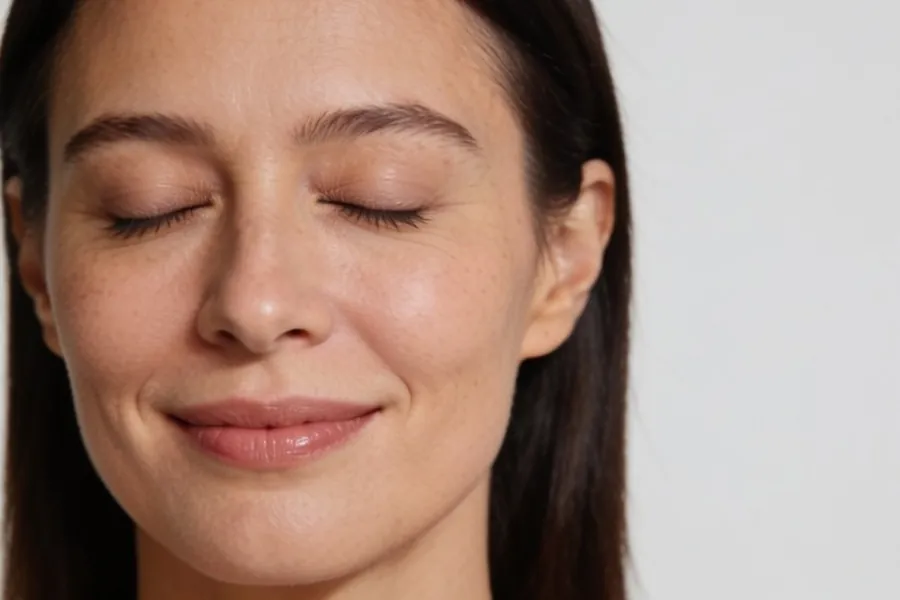
Each version runs on the same three photos, so you can compare them side by side.
Balanced brightening that keeps the mood of the scene.
Best for: dim indoor photos and dusk
A strong exposure boost for photos that are almost black.
Best for: very dark night photos
Free on Android and iPhone, in 22 languages.